


Choosing Hospice Volunteer Management Software: 7 Questions to Ask
Make an Informed Decision for Your Volunteer Program.
Request Your Free Demo
The Right Questions Lead to the Right Solution
Not all volunteer management software is designed for the needs of a hospice organization. Before choosing a platform, it is important to understand how the technology will support your volunteers, your coordinators, and your program’s responsibilities.
Hospice volunteer programs involve much more than maintaining a list of volunteers and recording their hours. Coordinators manage applications, onboarding, training, scheduling, patient and administrative assignments, documentation, evaluations, and reporting. Administrators depend on accurate information to oversee program activities and monitor compliance-related responsibilities.
When these processes are handled through spreadsheets, paper records, email, and multiple applications, managing the program can require considerable administrative effort. Volunteer management software can help bring these responsibilities together. But choosing the right system requires looking beyond a product’s feature list.
Here are seven important questions to consider when evaluating software for your hospice volunteer program.

Was the Software Designed With Hospice Volunteer Programs in Mind?
Volunteer management software is used across many industries, including nonprofit organizations, schools, hospitals, and community programs.
Although these programs share some common needs, hospice volunteer management involves additional operational and documentation responsibilities.
For example, Medicare-certified hospice programs are subject to volunteer requirements under 42 CFR §418.78, including orientation and training, recruitment and retention efforts, volunteer activity documentation, and the 5% volunteer service requirement.
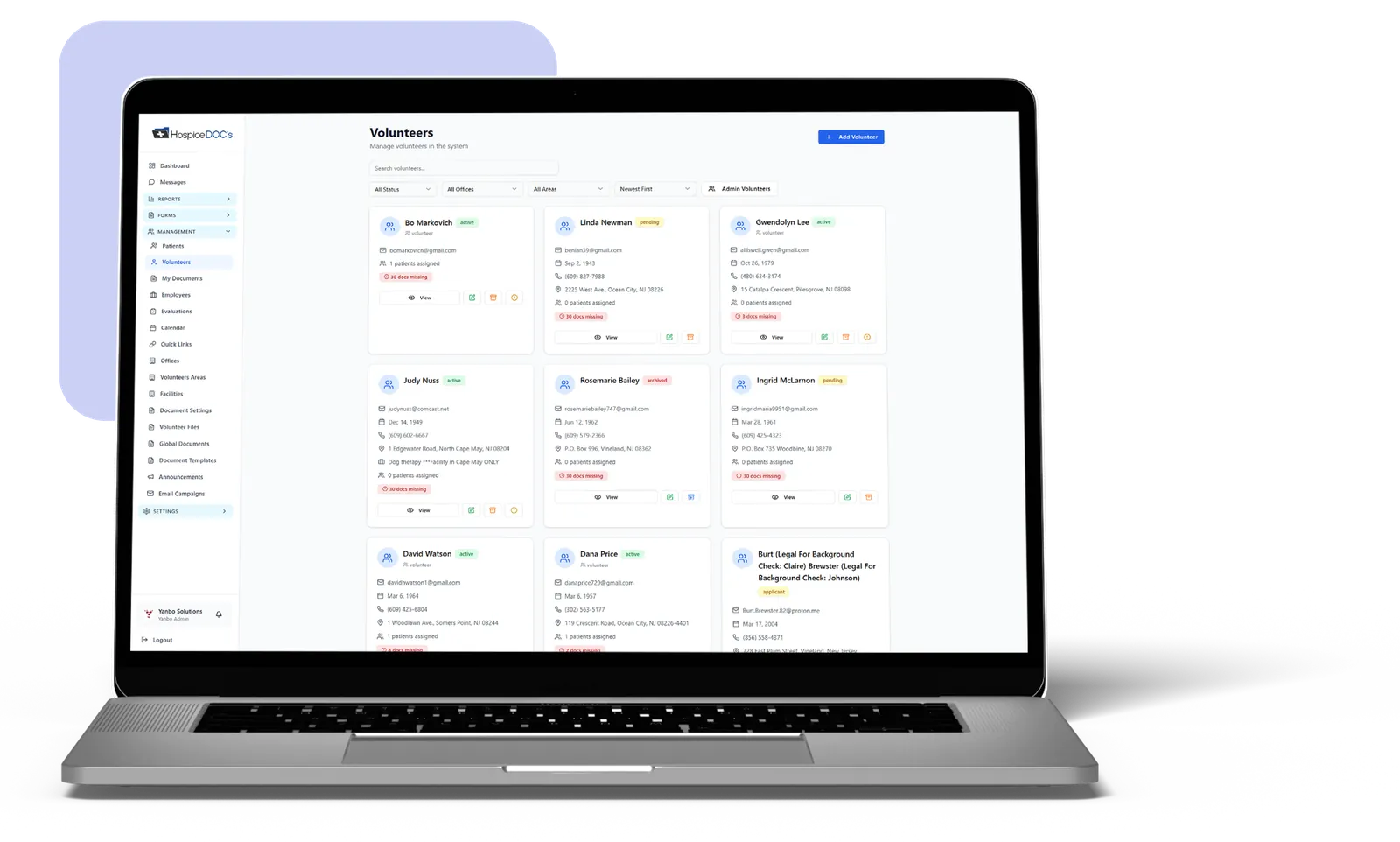

When evaluating a software platform, ask how it accommodates these hospice-specific responsibilities.
Can it distinguish volunteers at different stages of onboarding? Can coordinators manage training records and documentation? Does it support the volunteer activities and reports your organization needs?
A platform designed around general volunteer participation may require additional processes to accommodate hospice operations.
What to look for: Software that reflects how hospice volunteer coordinators actually work, rather than requiring coordinators to adapt their processes to a generic system.
How Does the Software Manage Volunteer Onboarding and Records?
Onboarding is one of the first areas where a volunteer management platform can make a meaningful difference.
Hospice organizations may need to collect applications, complete screening procedures, maintain training records, organize required documents, and monitor each applicant’s progress. A software demonstration should show how these activities are managed from beginning to end.
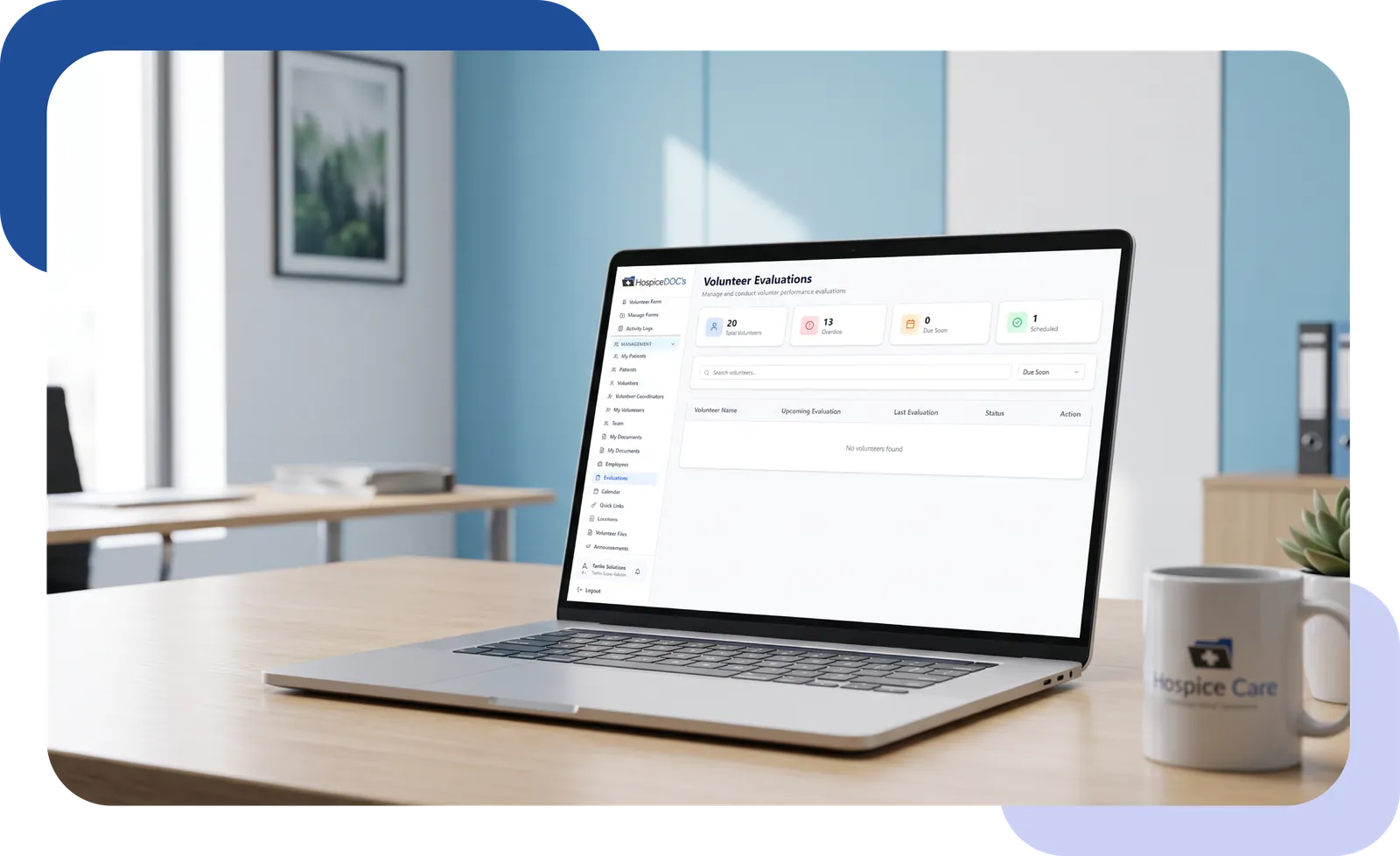
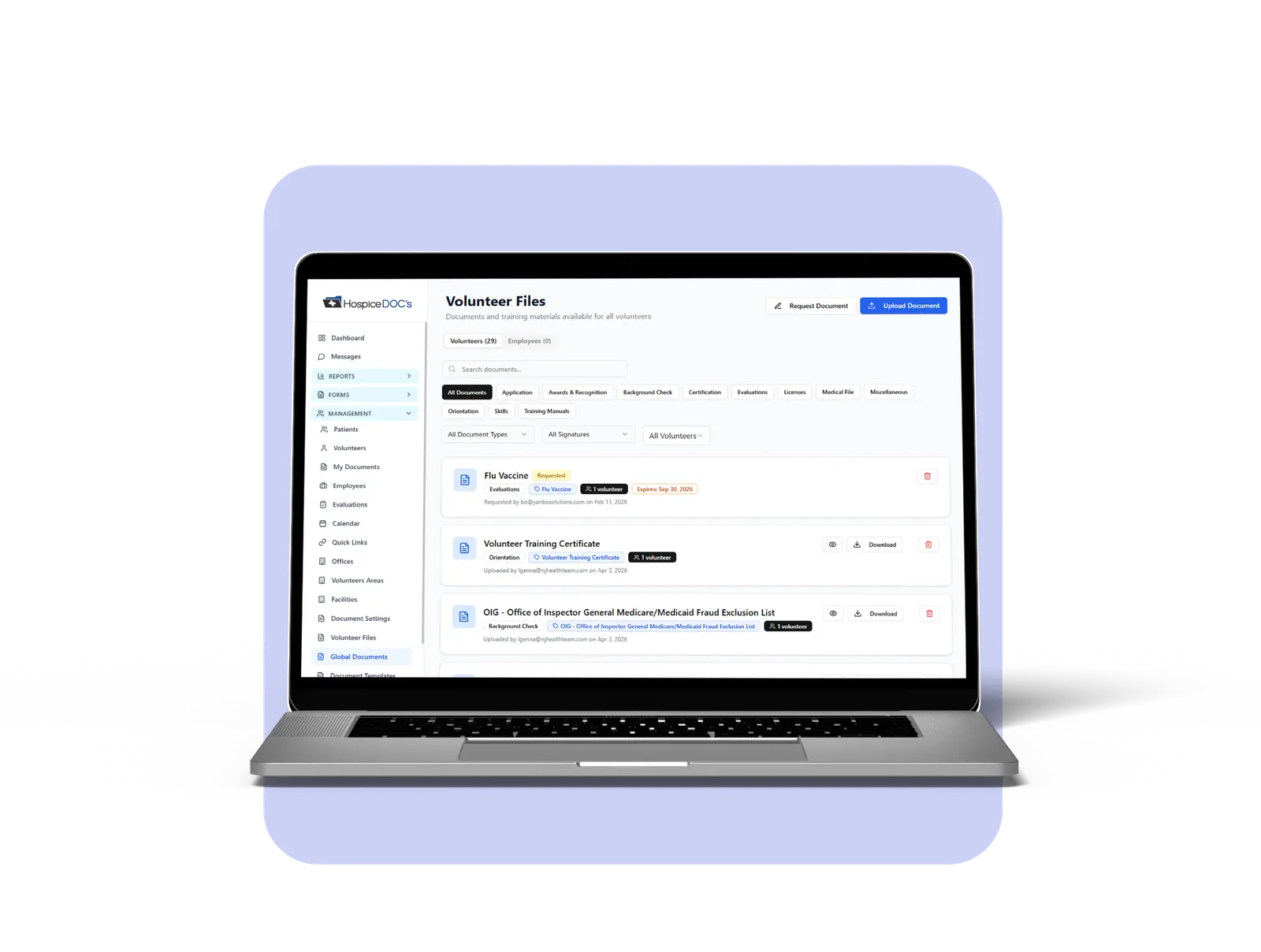
Consider asking:
- Can coordinators track applicants through different onboarding stages?
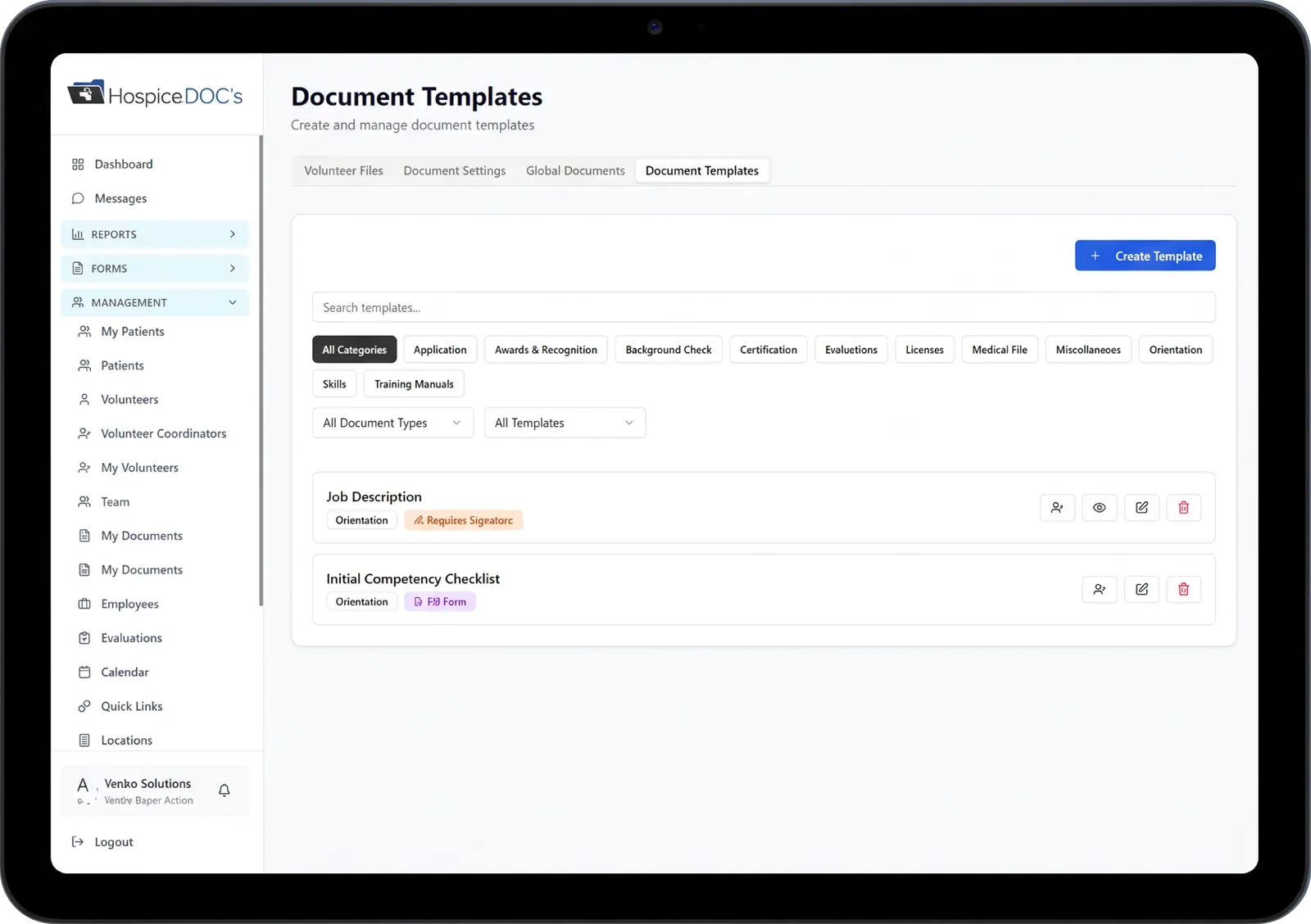
- Are volunteer documents organized in individual records?
- Can required training and document expiration dates be tracked?
- Can coordinators identify outstanding or overdue requirements?
- Can the organization access historical documentation when needed?
These questions help determine whether a platform will simplify onboarding or merely replace existing paper forms with digital versions. An effective system should make it easier to understand each volunteer’s status without searching through multiple files.
Will Scheduling & Activity Documentation Be Easier for Everyone?
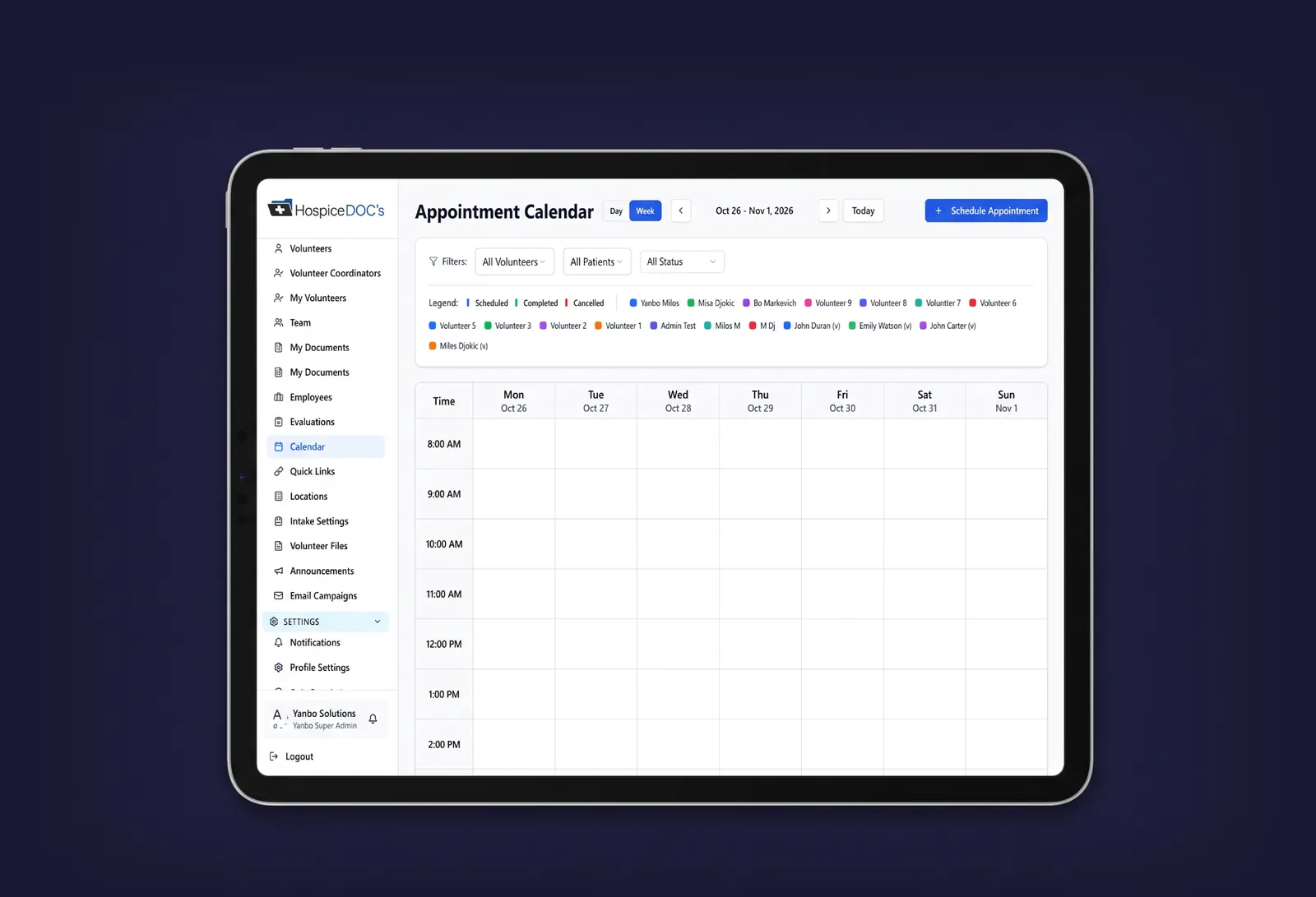
Scheduling is not simply about placing volunteer names on a calendar. Coordinators must consider availability, assignments, schedule changes, cancellations, and completed activities. Volunteers also need a convenient way to review their commitments and document their service.
When evaluating software, ask to see how a typical volunteer assignment moves through the system.
How does the coordinator schedule a visit? How does the volunteer view the assignment? What happens if the schedule changes? How are completed activities and hours recorded?
It is equally important to consider usability. A system may offer extensive features but still be difficult for volunteers to navigate.
What to look for: Clear scheduling workflows, accessible calendars, practical rescheduling options, and straightforward activity documentation.
The best demonstration is one that follows an actual situation your coordinator encounters regularly.
Can the Software Support Volunteer Reporting and Documentation Readiness?
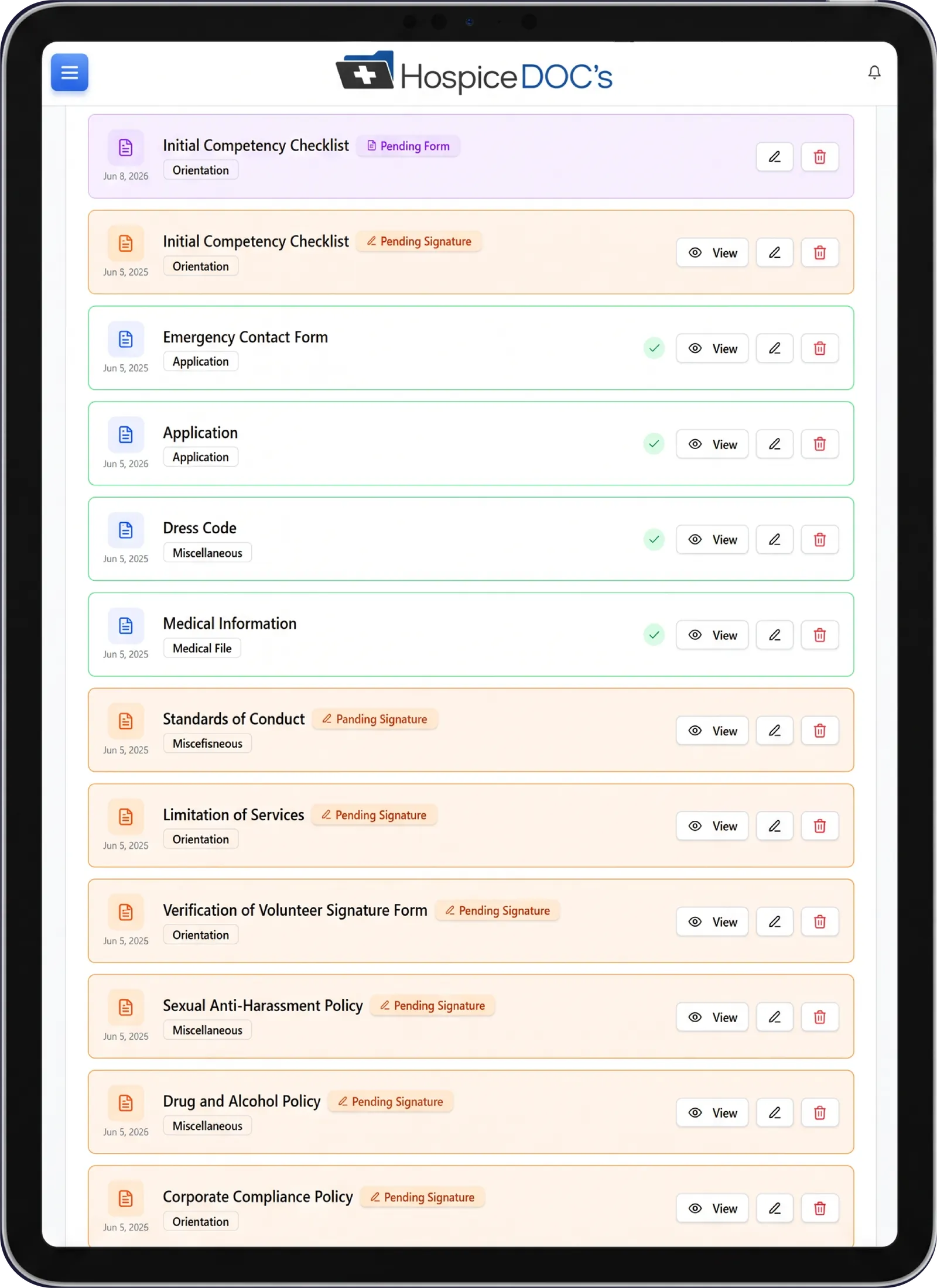
Accurate records are essential for hospice volunteer program oversight. Under 42 CFR §418.78, Medicare-certified hospices must maintain volunteer training documentation, evidence of ongoing recruitment and retention efforts, cost-saving documentation, and records of volunteer services and time worked.
The regulation also establishes the minimum volunteer service level in relation to paid hospice patient-care hours. Software should help coordinators maintain the information needed to support these responsibilities.

During a demonstration, ask:
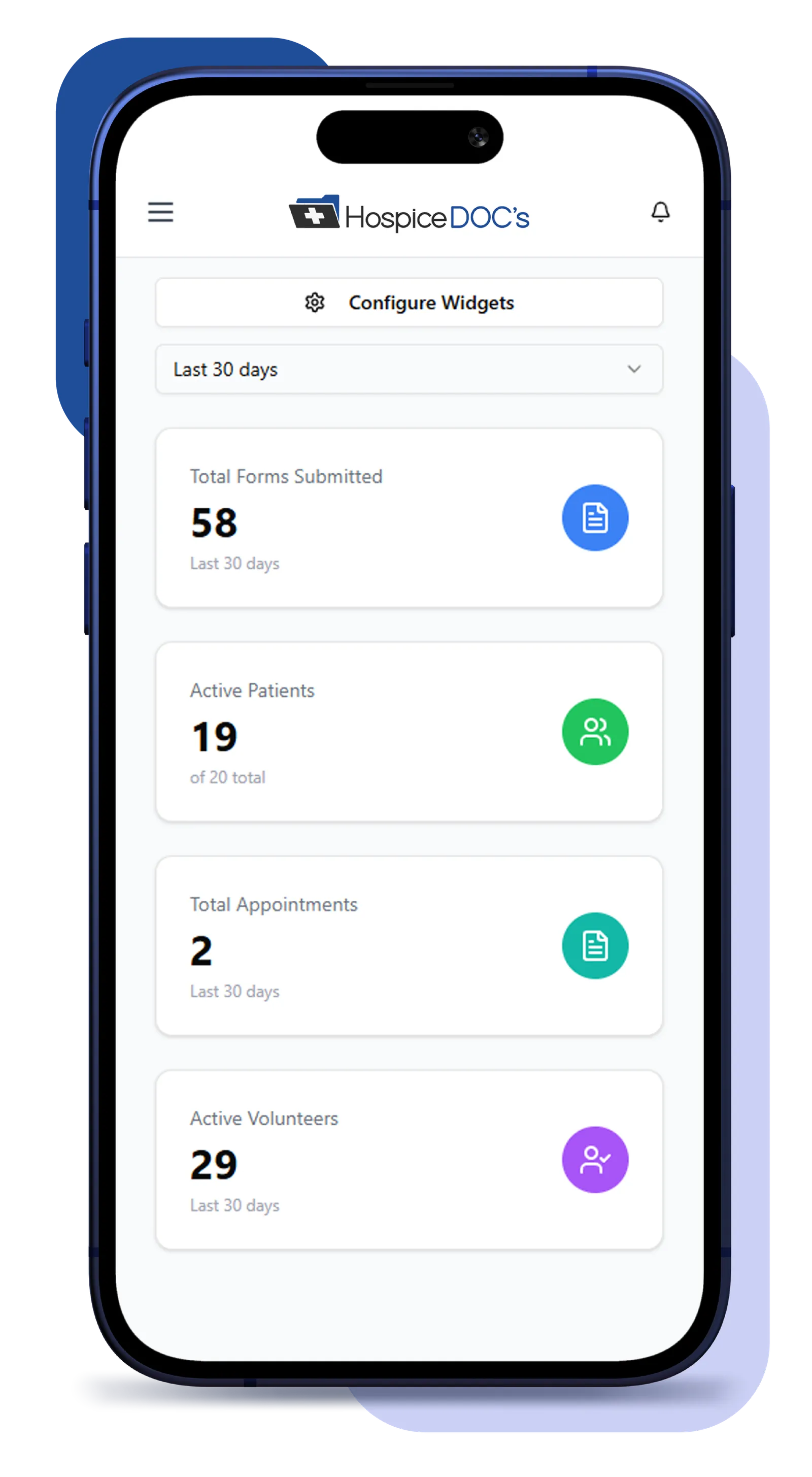
- Can we review volunteer hours by reporting period?
- Can we distinguish different types of volunteer activities?
- Can we access training and documentation records?
- Can we identify missing or overdue information?
- Can we obtain reports without manually combining multiple spreadsheets?
- How does the system help us prepare information for our organization’s compliance reviews?
It is also important to understand what the software does not calculate or verify automatically. A platform can support documentation and reporting, but the hospice organization remains responsible for maintaining accurate records and meeting applicable requirements.
Is the Platform Easy for Volunteers and Coordinators to Use?
Volunteer programs include people with different levels of technical experience. Some volunteers may be comfortable using several digital applications, while others may prefer simple, straightforward tools.
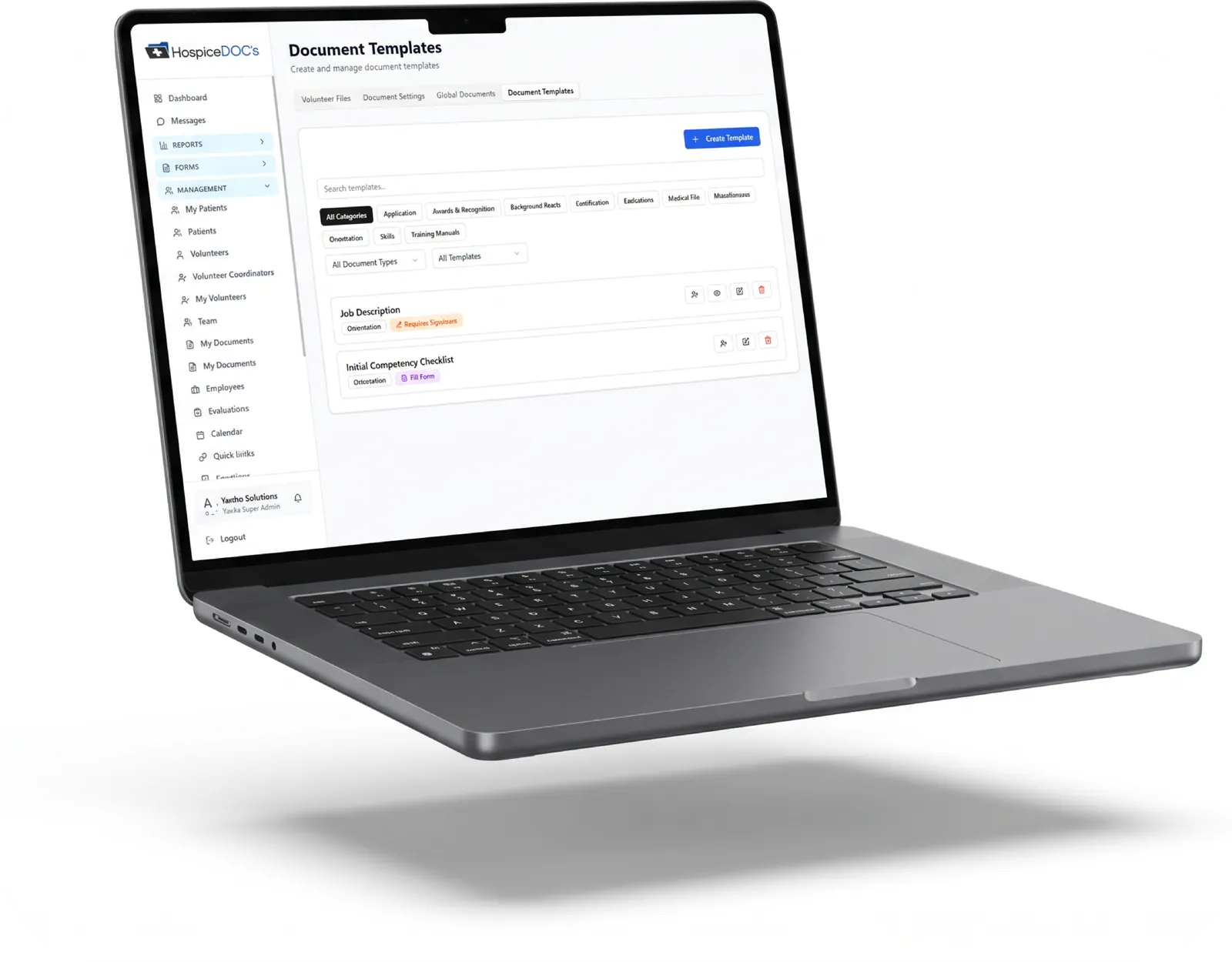
The same considerations apply to coordinators who manage many responsibilities throughout the workday. Technology should reduce unnecessary steps rather than introduce additional work. During a product demonstration, evaluate both the coordinator’s administrative experience and the volunteer’s experience.
Ask the software provider to demonstrate common tasks, such as reviewing a schedule, documenting a completed visit, updating volunteer information, finding an individual record, and generating a report. A system that looks impressive during a presentation may operate very differently when used for everyday responsibilities.
What to look for: Logical navigation, clear instructions, uncomplicated data entry, and practical workflows that volunteers and staff can learn.
More Time for Recruitment & Volunteer Engagement
Volunteer coordinators are responsible for much more than managing records. They recruit new volunteers, support existing ones, coordinate assignments, oversee training, and help keep programs running smoothly.
But when too much of their day is spent tracking paperwork, updating spreadsheets, following up on missing documentation, and preparing reports, less time is available for recruitment and volunteer engagement.
A more organized volunteer management system can help change that.
By bringing onboarding, scheduling, documentation, and reporting into one place, software can reduce the administrative effort involved in running a volunteer program – giving coordinators more time to recruit volunteers, build relationships, and support the people who serve patients and families.

How Does the Software Protect Sensitive Information?
Hospice organizations must carefully evaluate how technology providers handle information.
The appropriate security and privacy requirements depend on what information the system creates, receives, maintains, or transmits and the organization’s legal and contractual obligations.
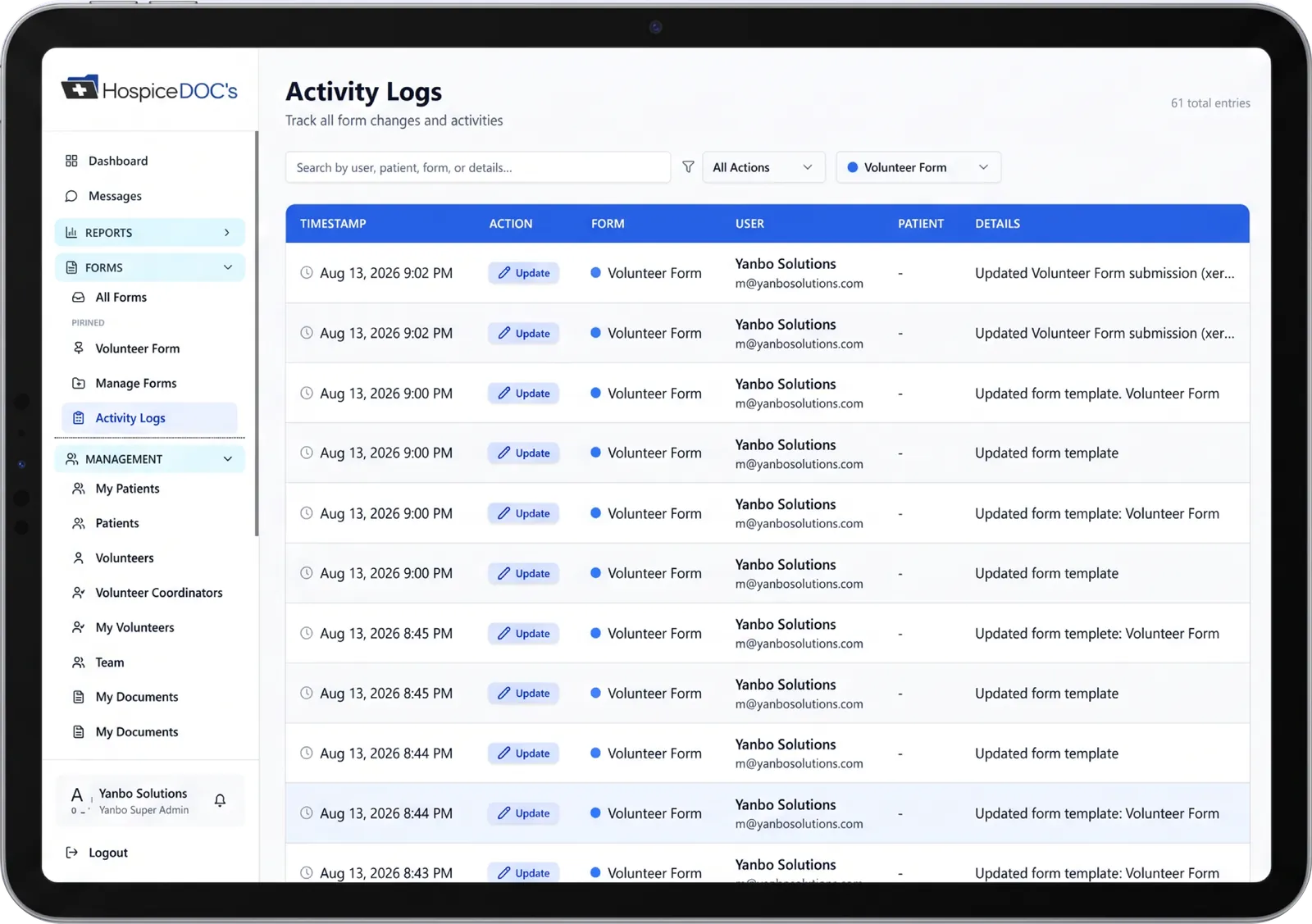
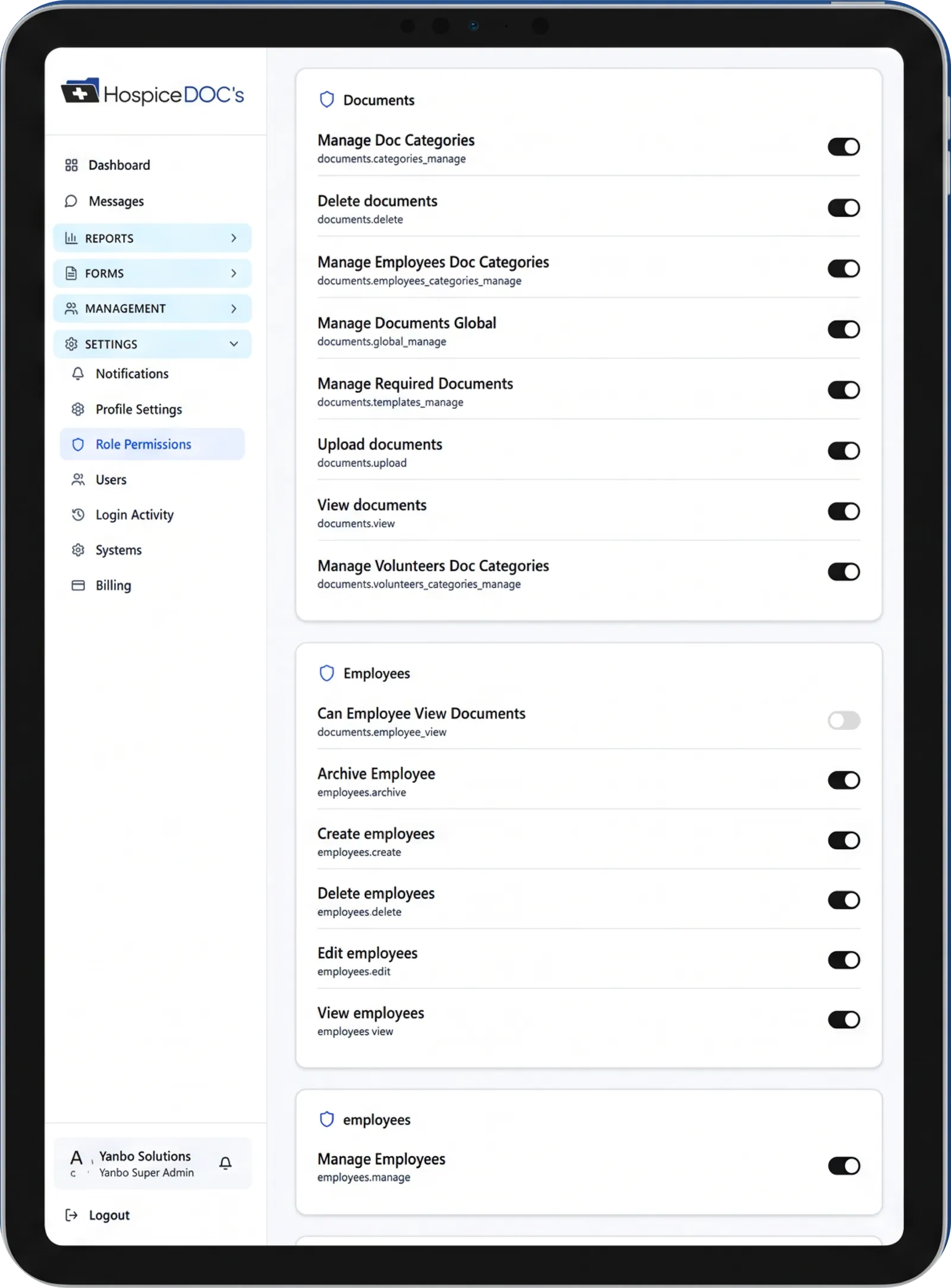
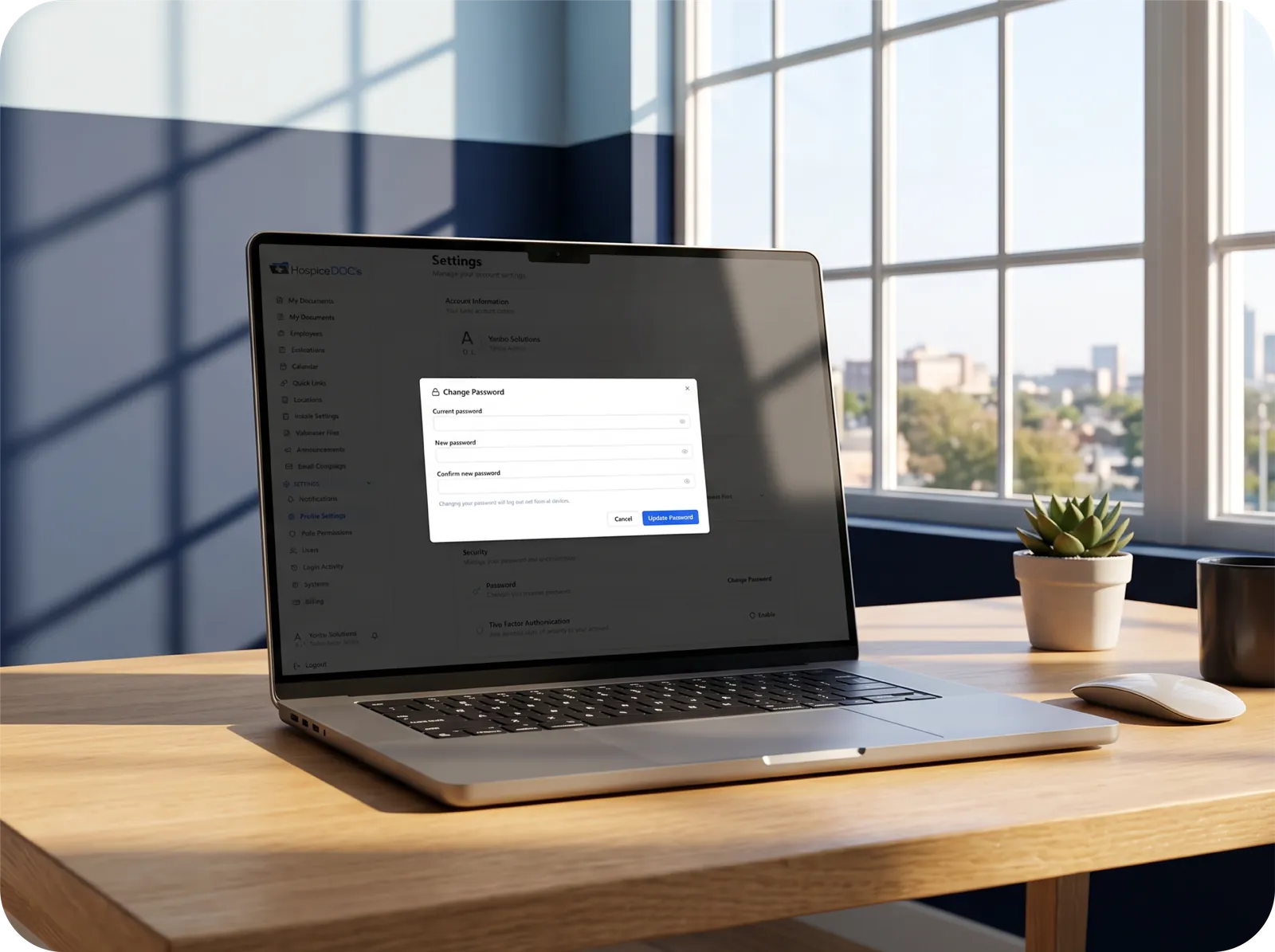
Before selecting a provider, ask about access controls, user permissions, data encryption, backups, security incident procedures, and support responsibilities.
If the platform stores patient-related information, understand precisely which information is involved and how it is protected.
Hospice administrators should involve their organization’s privacy, compliance, or IT professionals when evaluating a new application.
What to look for: A provider that can clearly explain its security practices, data responsibilities, and the safeguards applicable to the information the hospice intends to manage.
What Happens After We Choose the Software?
Selecting a platform is only the first step.
Implementation, training, adoption, and ongoing support influence whether the technology becomes a useful part of everyday operations.
Before purchasing, ask the provider to explain how a hospice organization moves from its existing system into the new application. Important considerations include how volunteer records will be transferred, what information must be entered manually, how staff and volunteers will be trained, and what assistance is available after launch.
Organizations should also clarify pricing, contract terms, the number of users or locations supported, and any additional costs associated with implementation or support.
Do not assume that features shown during a demonstration, including integrations or customized workflows, are included in the standard subscription. A clear implementation plan helps organizations evaluate the total commitment involved in adopting new technology.

The Most Important Question: Will This Make Our Volunteer Program Easier to Manage?
Every hospice volunteer program is different.
Some organizations manage a small group of volunteers at one location. Others oversee multiple teams, service areas, and a wider range of activities. Regardless of program size, software should help coordinators stay organized, maintain reliable records, and support volunteers effectively.
Before making a decision, identify the administrative tasks that consume the most time in your organization. Then ask each software provider to demonstrate how its platform addresses those specific situations.
The right technology should fit the needs of your volunteer program – not create more administrative work for the people running it.
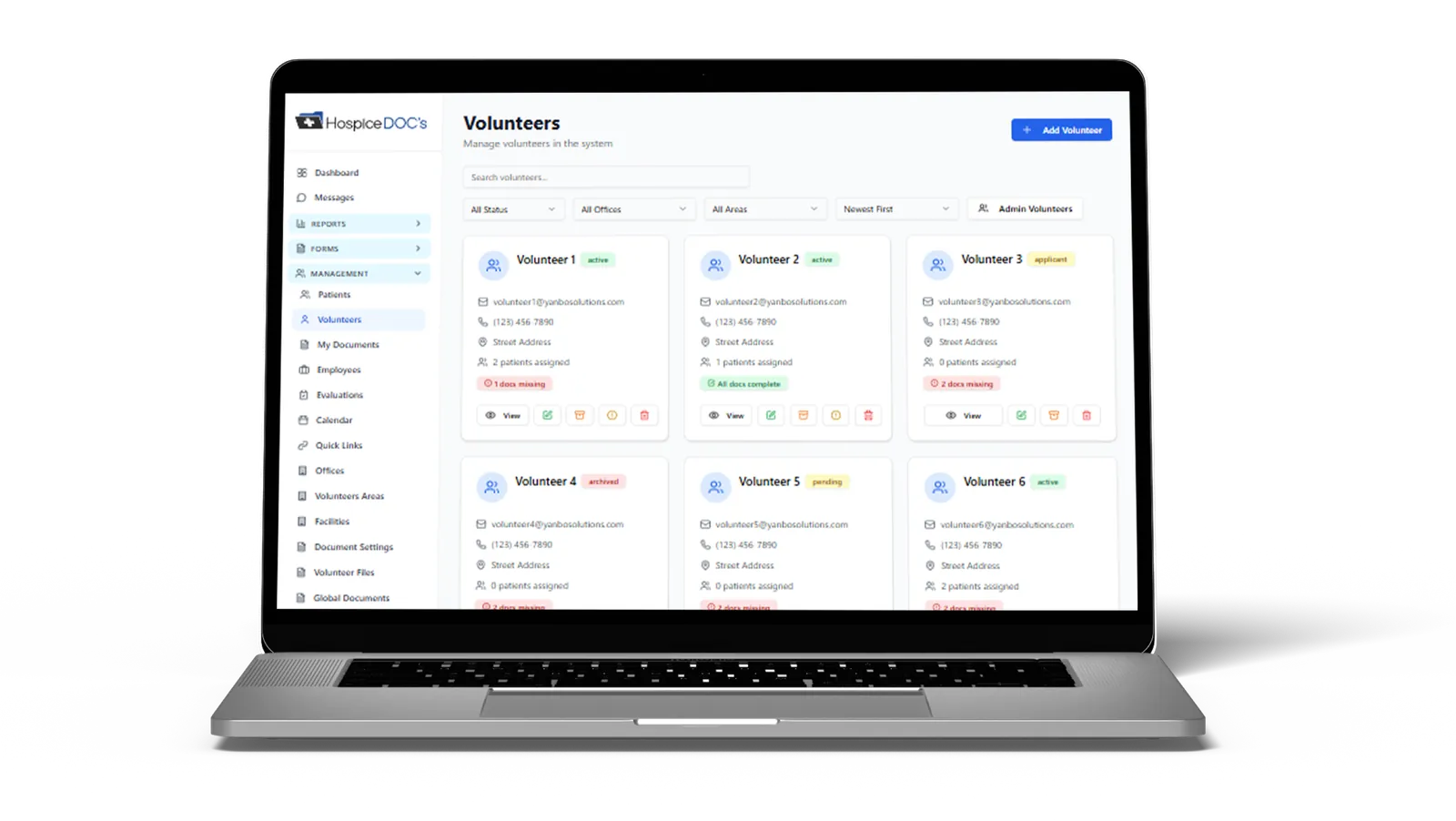
How Hospice Docs Supports Volunteer Programs
Hospice Docs was developed specifically to address the operational responsibilities involved in hospice volunteer management.
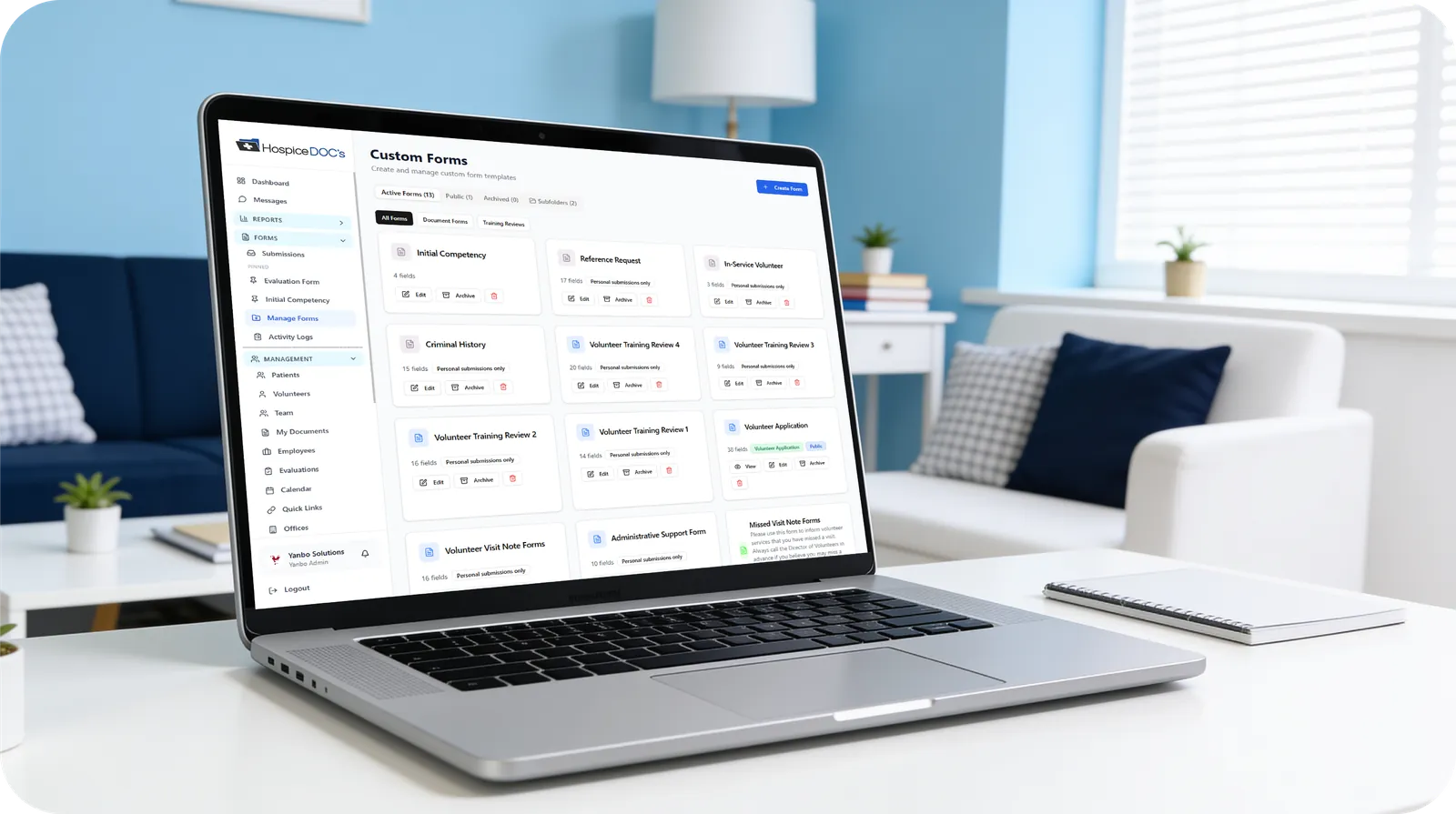
The platform brings volunteer onboarding, records, training, scheduling, activity documentation, evaluations, and reporting into one application. Built from hospice experience, Hospice Docs focuses on helping volunteer coordinators manage their programs more efficiently while providing administrators with better visibility into volunteer operations.
If your organization is evaluating volunteer management software, we invite you to explore how Hospice Docs works and determine whether it meets your program’s needs.
Hospice Volunteer Management. Simplified.

See How We Simplify Hospice Volunteer Management
The easiest way to understand Hospice Docs is to see it in action.
What to Expect?
- A clear, step-by-step walkthrough
- Real examples based on hospice volunteer workflows
- Answers to your questions
- No pressure or commitment
No technical experience needed.
We’ll guide you through everything.
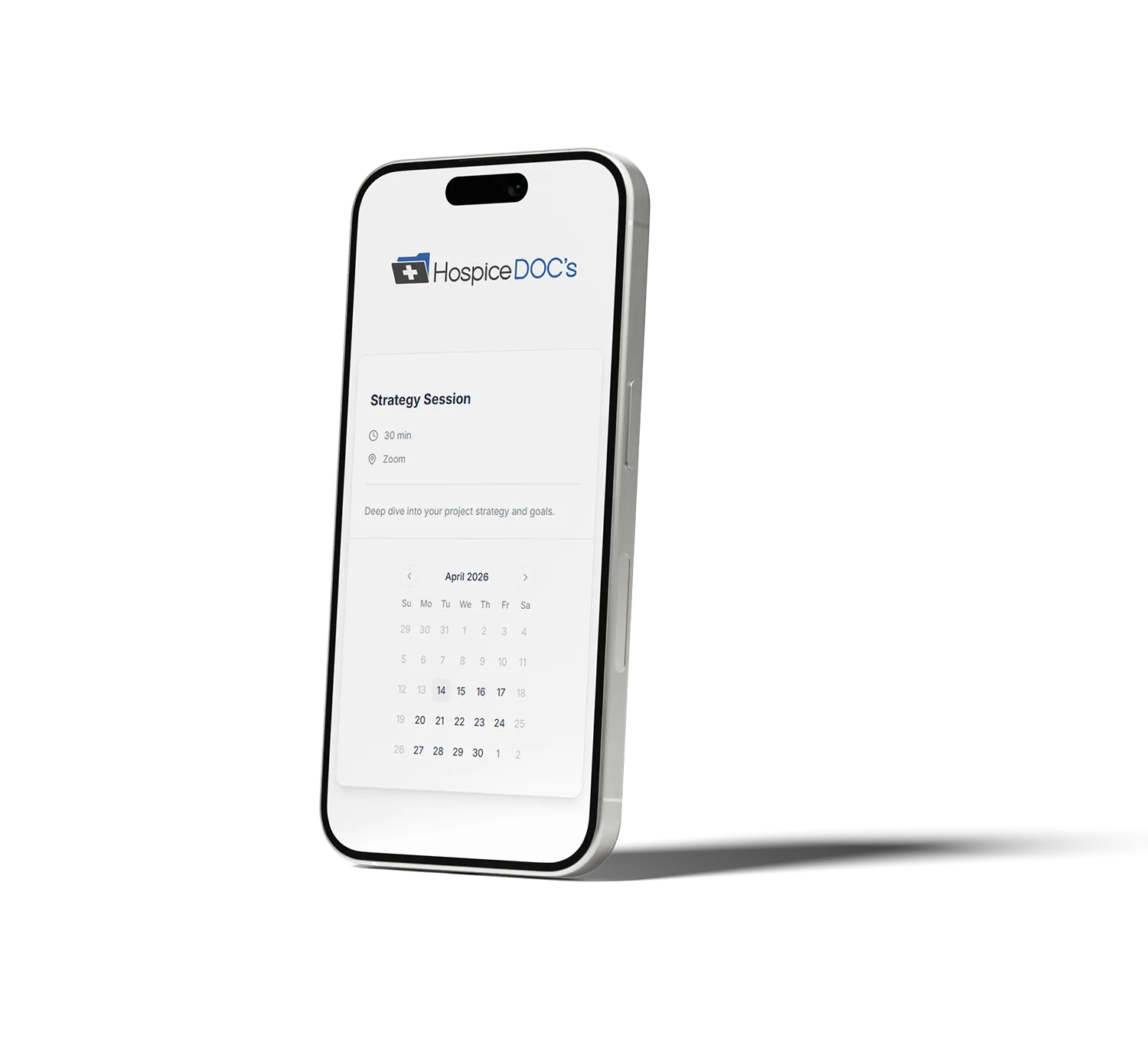
Ready to Simplify Hospice Volunteer Management?
See how Hospice Docs can help your team reduce administrative work, stay organized, and manage your volunteer program more efficiently.
Request a Demo