Communucation &
Notifications

Fewer Missed Messages.
Better Follow-Through.

One Place
to Stay Connected

Keep volunteers informed, reduce missed follow-up, and make day-to-day communication easier to manage.

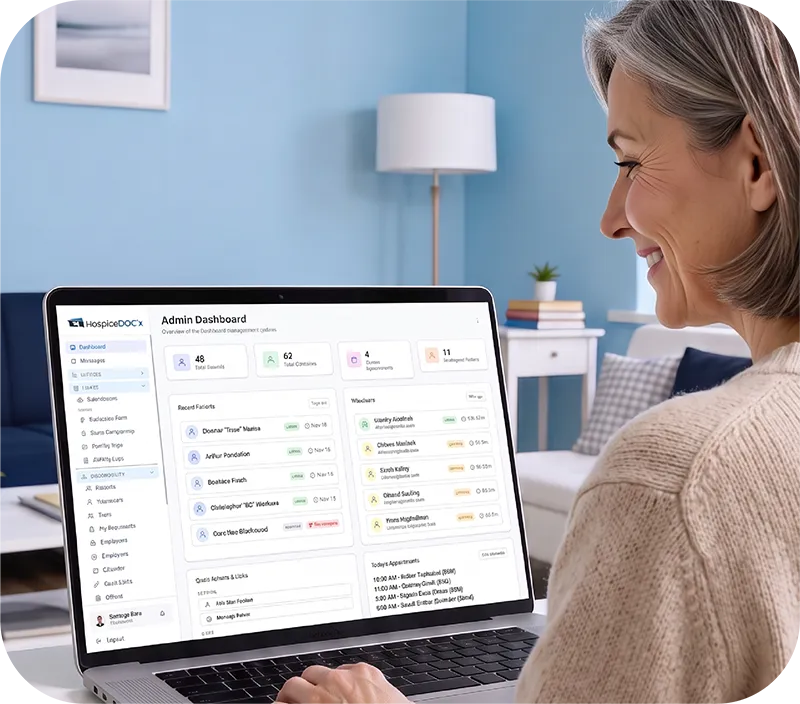
Hospice volunteer programs depend on timely communication. Hospice Docs brings direct messaging, announcements, responses, and automated notifications together so coordinators can keep volunteers informed without relying on scattered emails and manual reminders

Send Messages to
Individual Volunteers

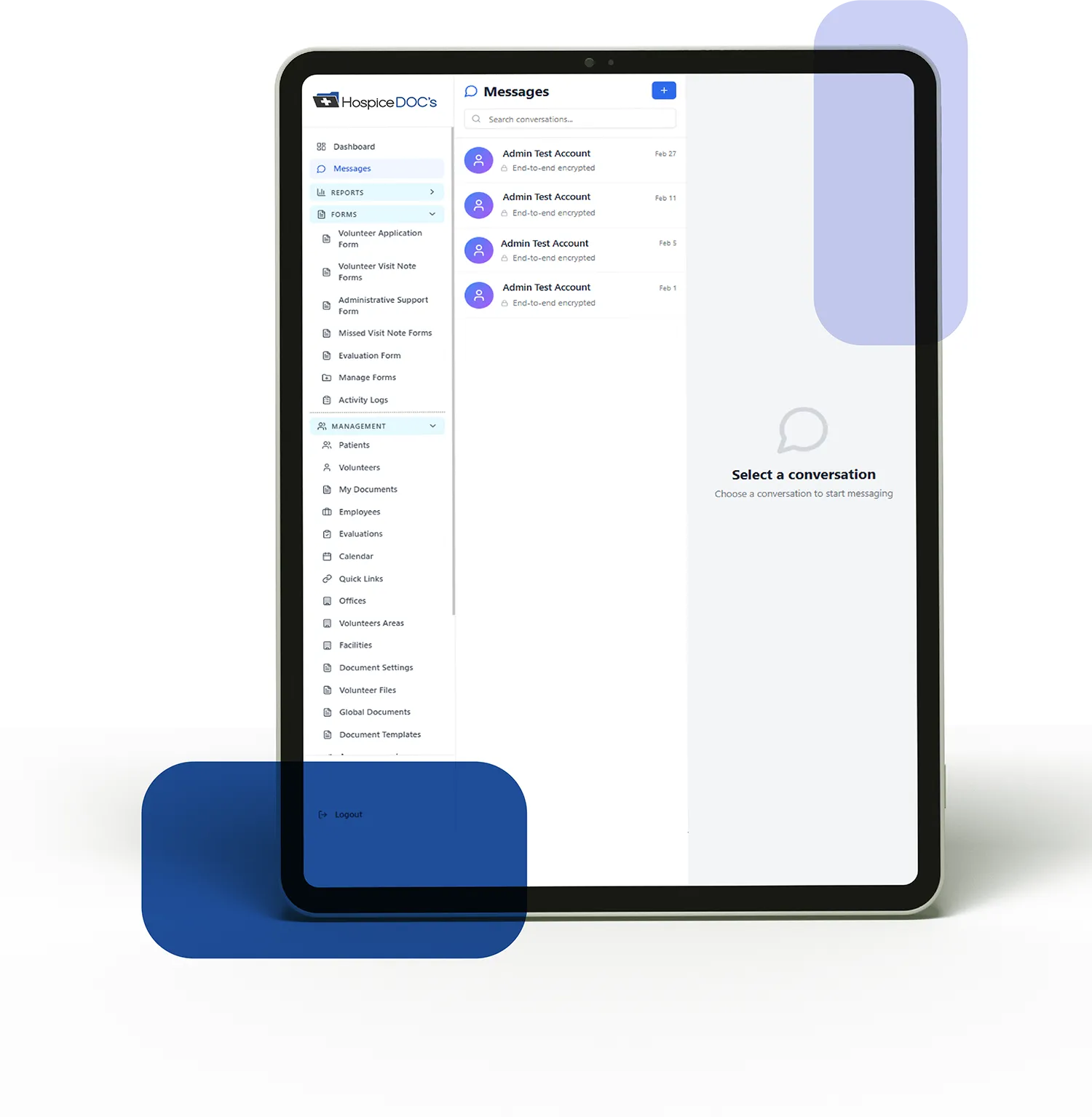
Communicate directly with individual volunteers from within Hospice Docs.

Messages stay connected to the platform, giving coordinators a more organized way to manage ongoing volunteer communication and follow-up

Share Targeted
Announcements

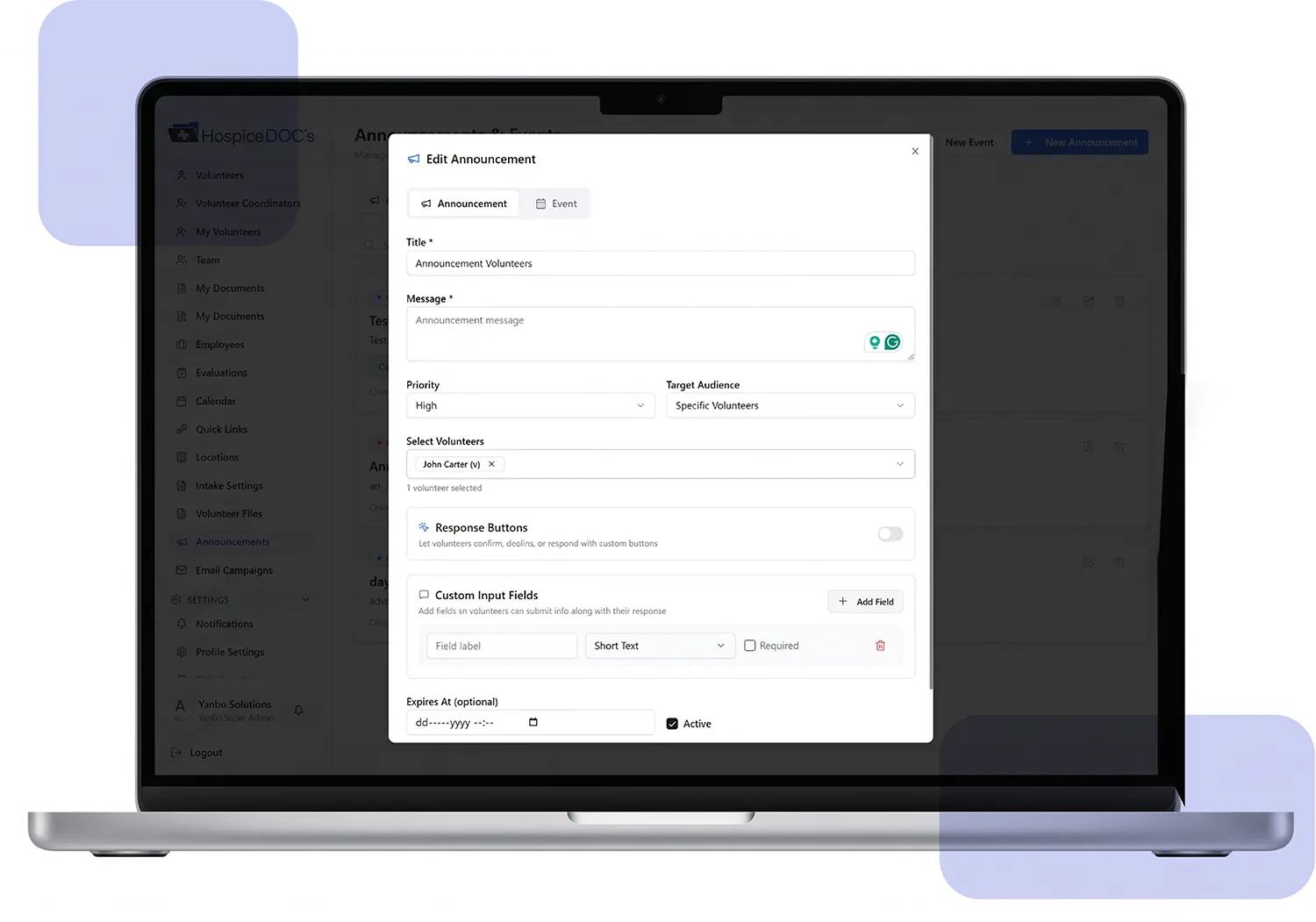
Create an announcement and choose which volunteers should receive it, such as volunteers at a specific location, with a particular status, or within a selected service area.

Volunteers can respond directly to the announcement by confirming, declining, or providing another response. Coordinators can then review who received the announcement and how each volunteer responded

Automate Routine
Notifications & Reminders

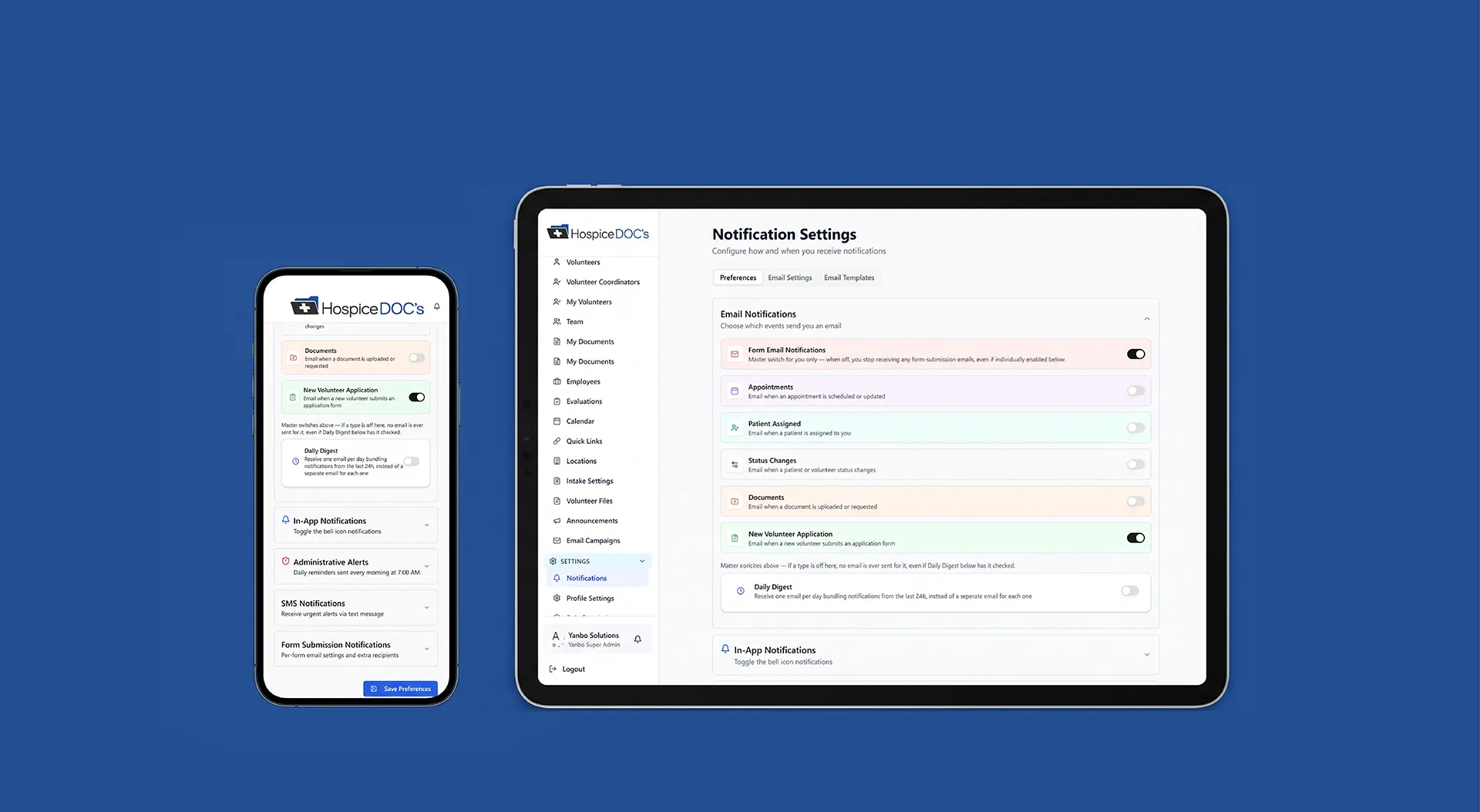
Hospice Docs can send notifications for important volunteer activity such as appointments, form submissions, document requests, status changes, and other program updates.

Automated reminders help reduce the amount of manual follow-up coordinators need to manage.

Keep Important
Updates From Getting Missed

Notifications can be delivered through available communication channels such as in-app notifications and email.

This gives organizations more flexibility in how important updates reach volunteers and staff

Keep Communication
Connected to the Program

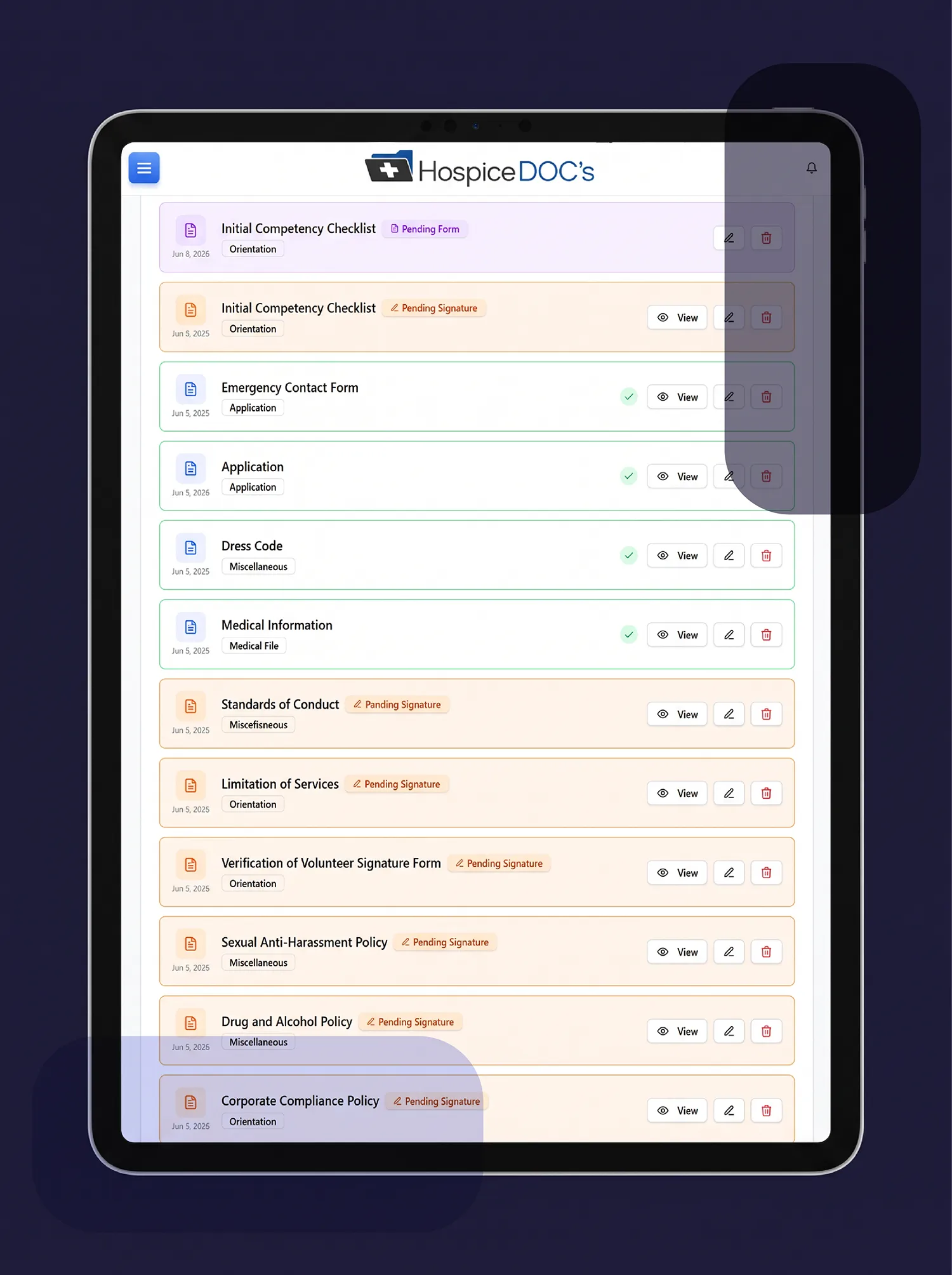
Instead of managing volunteer communication separately from appointments, forms, documents, and other program activity, Hospice Docs keeps communication within the same volunteer management environment.

That gives coordinators better visibility into what has been communicated and where follow-up may still be needed.

See How Hospice Docs Simplifies
Volunteer Communication

Schedule a Free Demo!

The easiest way to understand Hospice Docs is to see it in action.

What to Expect?

  • A clear, step-by-step walkthrough of the platform
  • Real examples based on hospice workflows
  • Answers to your questions
  • No pressure or commitment

No technical experience needed.
We’ll guide you through everything.

Communication & Notifications FAQ

Have questions about communicating with hospice volunteers through Hospice Docs? Find answers to common questions about direct messaging, announcements, volunteer responses, notifications, and automated reminders

Can coordinators message individual volunteers

Yes. Coordinators can send direct messages to individual volunteers within Hospice Docs and keep the conversation connected to the platform.

Yes. Announcements can be targeted based on factors such as location, volunteer status, service area, or other applicable groups.

Yes. Announcements can allow volunteers to confirm, decline, or provide another response, giving coordinators visibility into who has replied.

Notifications can support activities such as appointments, form submissions, document requests, status changes, new applications, and other volunteer-program events.

Yes. Automated reminders can help coordinators follow up on upcoming activities and requirements without managing every reminder manually.

Hospice Docs supports in-app and email notifications, depending on the communication being sent and system configuration.

Trusted by Those
Who Care Most

Results & Proof!

Ready to Simplify
Hospice Volunteer Management?

See how Hospice Docs can help your team reduce administrative work, stay organized, and manage your volunteer program more efficiently.