Scheduling
& Calendar

Every Appointment.
One Clear Schedule

A Clearer View
of What's Ahead

Keep volunteer appointments and scheduled activity organized in one place.

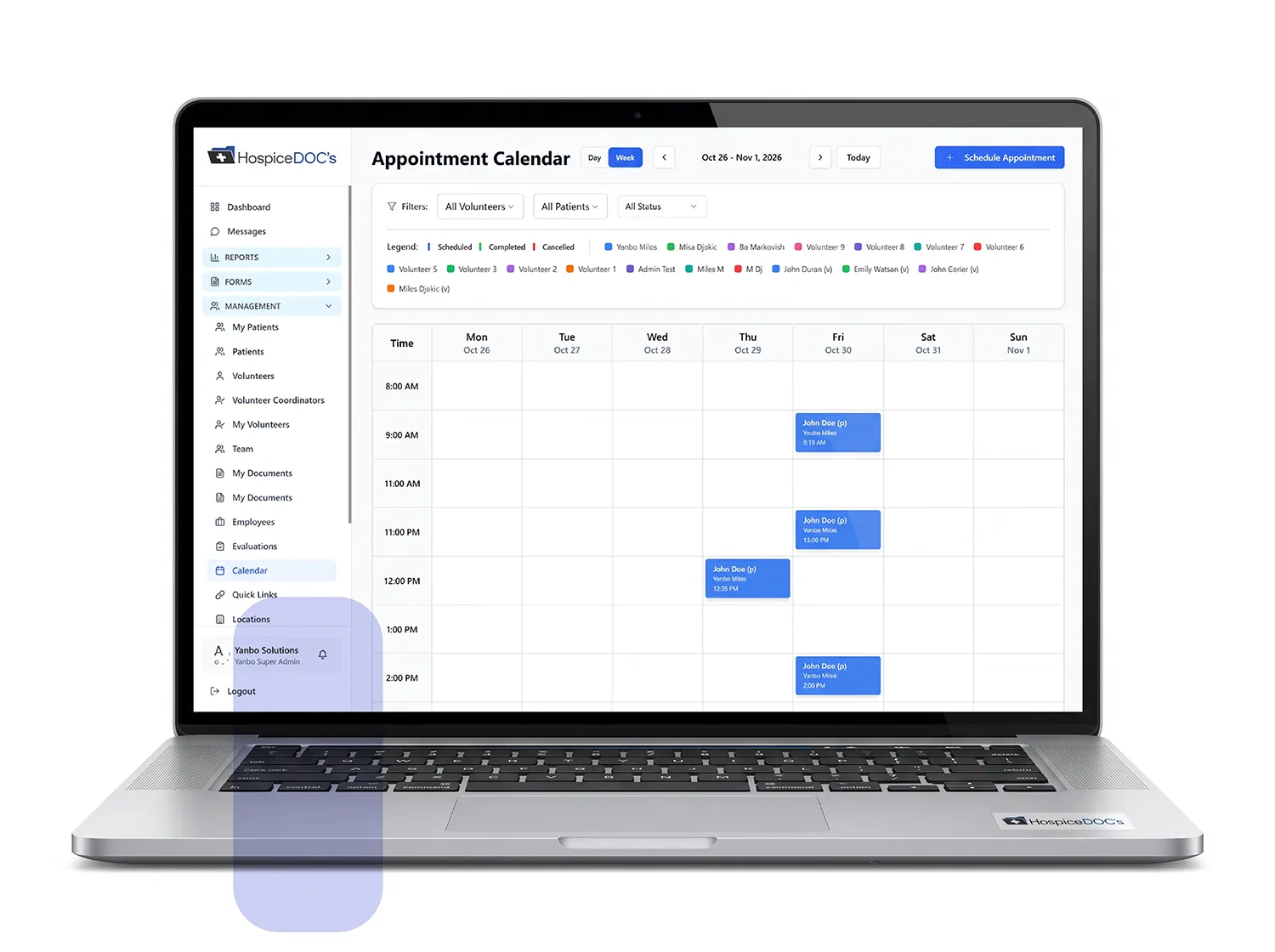
Hospice Docs keeps volunteer appointments and schedule changes organized in one place, making it easier for coordinators and volunteers to see what is scheduled, make updates when needed, and stay aware of upcoming activity.

Manage Volunteer Appointments

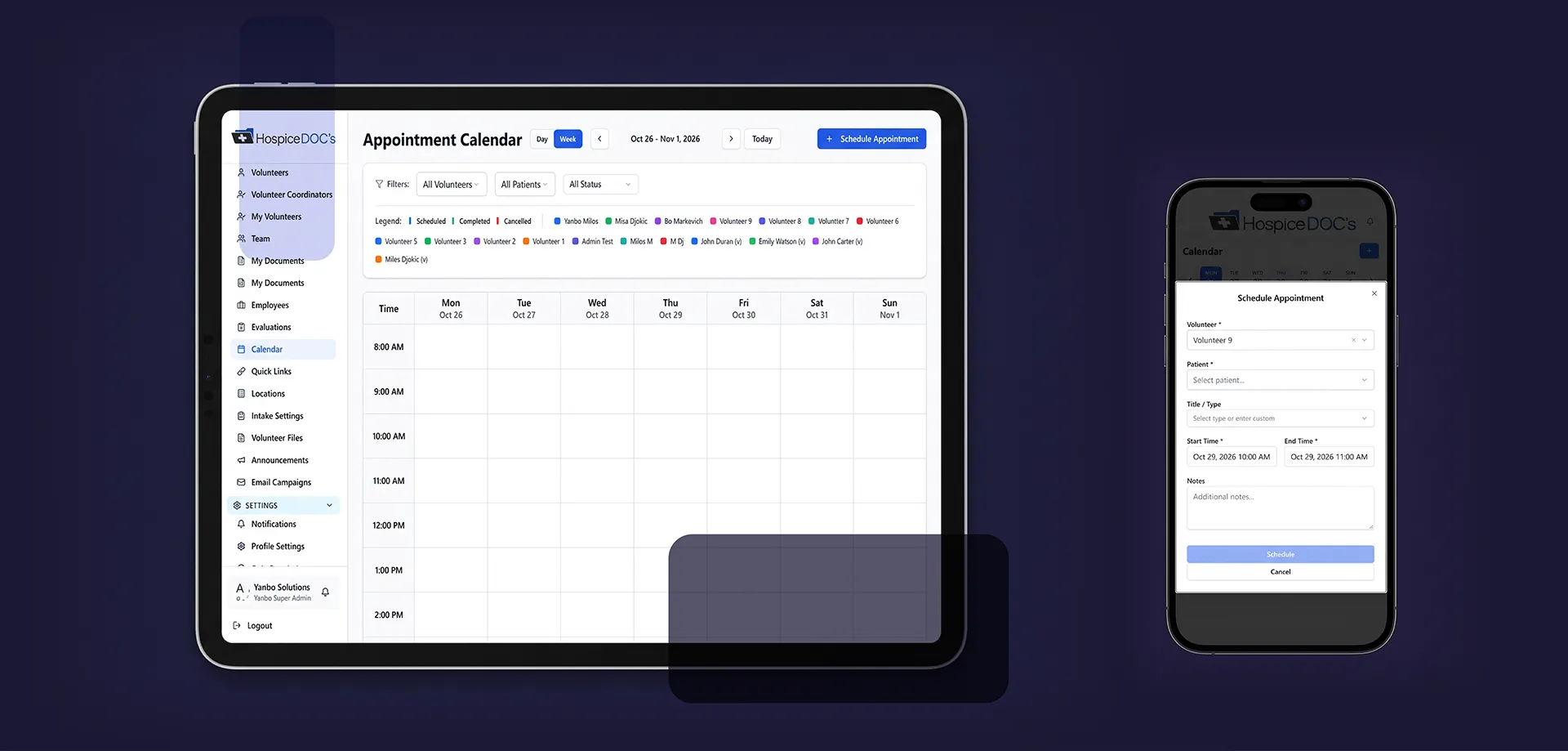
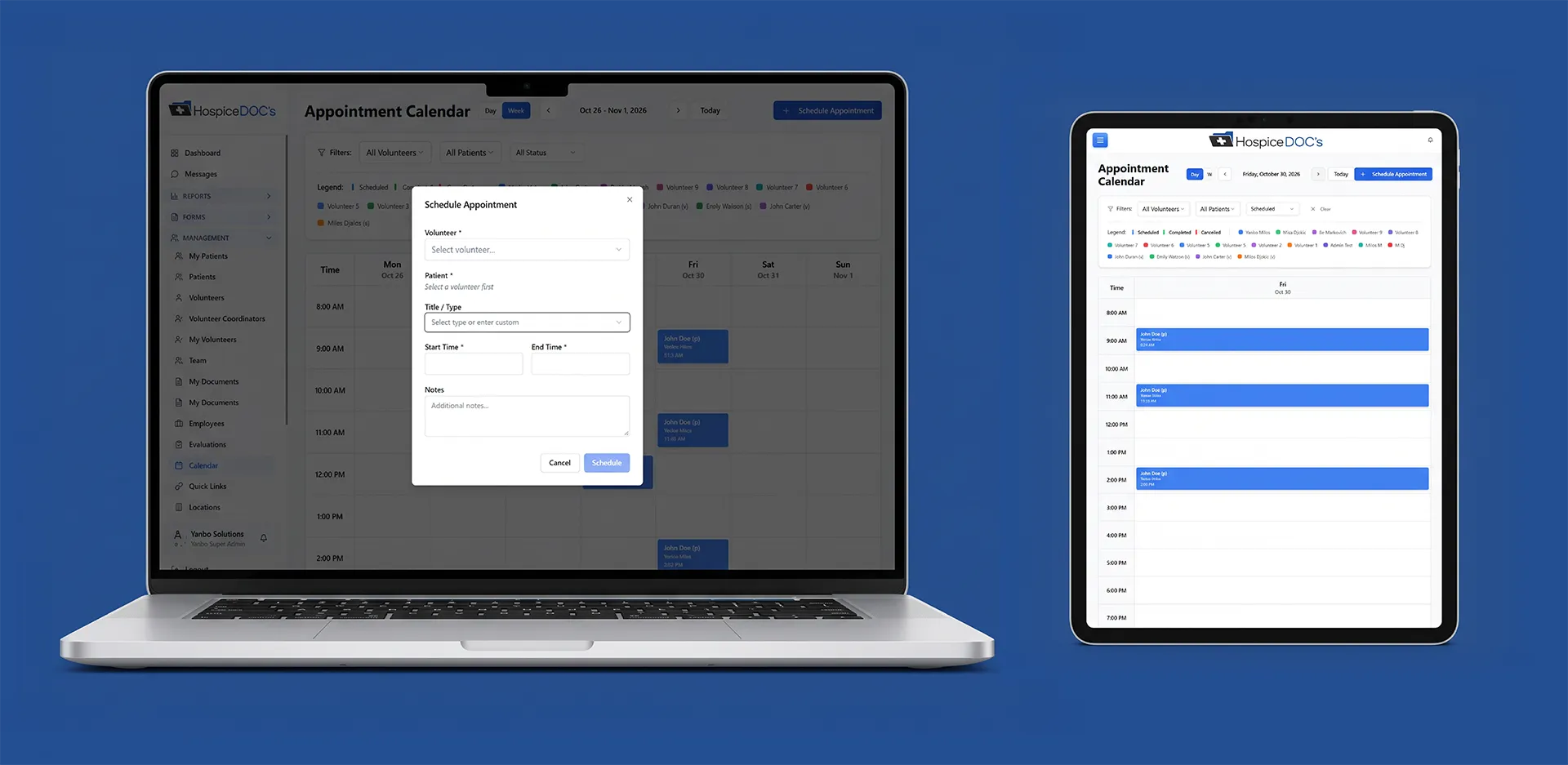
Create and manage volunteer appointments directly within Hospice Docs.

Coordinators can keep scheduled activity organized in the platform instead of relying on separate calendars, spreadsheets, or manual scheduling processes

Let Volunteers
Manage Their Schedule

Volunteers can use Hospice Docs to manage their own scheduled activity when self-scheduling is available.

This gives volunteers more flexibility while helping coordinators maintain visibility into upcoming appointments.

View the Schedule
by Day, Week, or Month

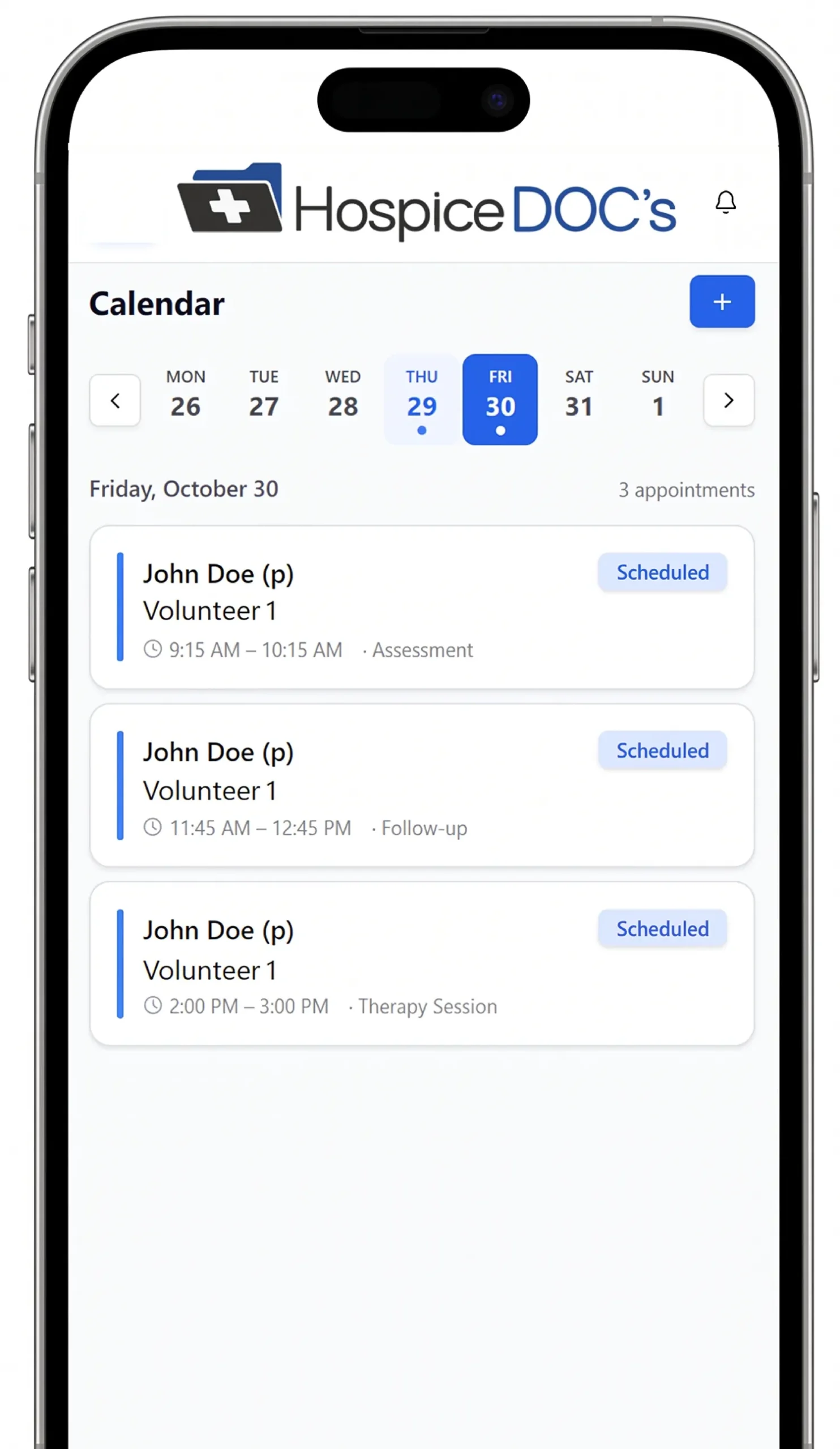
Calendar views make it easier to review upcoming activity based on the level of detail needed.

Coordinators can move between day, week, and month views to see immediate appointments or get a broader picture of the schedule ahead

Keep Scheduling
in Hospice Docs

Appointments, rescheduling, and cancellations are managed within the Hospice Docs platform, helping coordinators and volunteers work from the same up-to-date schedule.

That reduces the need to track changes across separate calendars, messages, or other scheduling tools.

Keep Volunteers Informed
About Upcoming Activity

Scheduling can work together with Hospice Docs notifications and reminders to help volunteers stay aware of upcoming appointments and schedule changes.

This helps reduce manual follow-up and keeps important scheduling information easier to manage.

Use Appointment
Data in Reporting

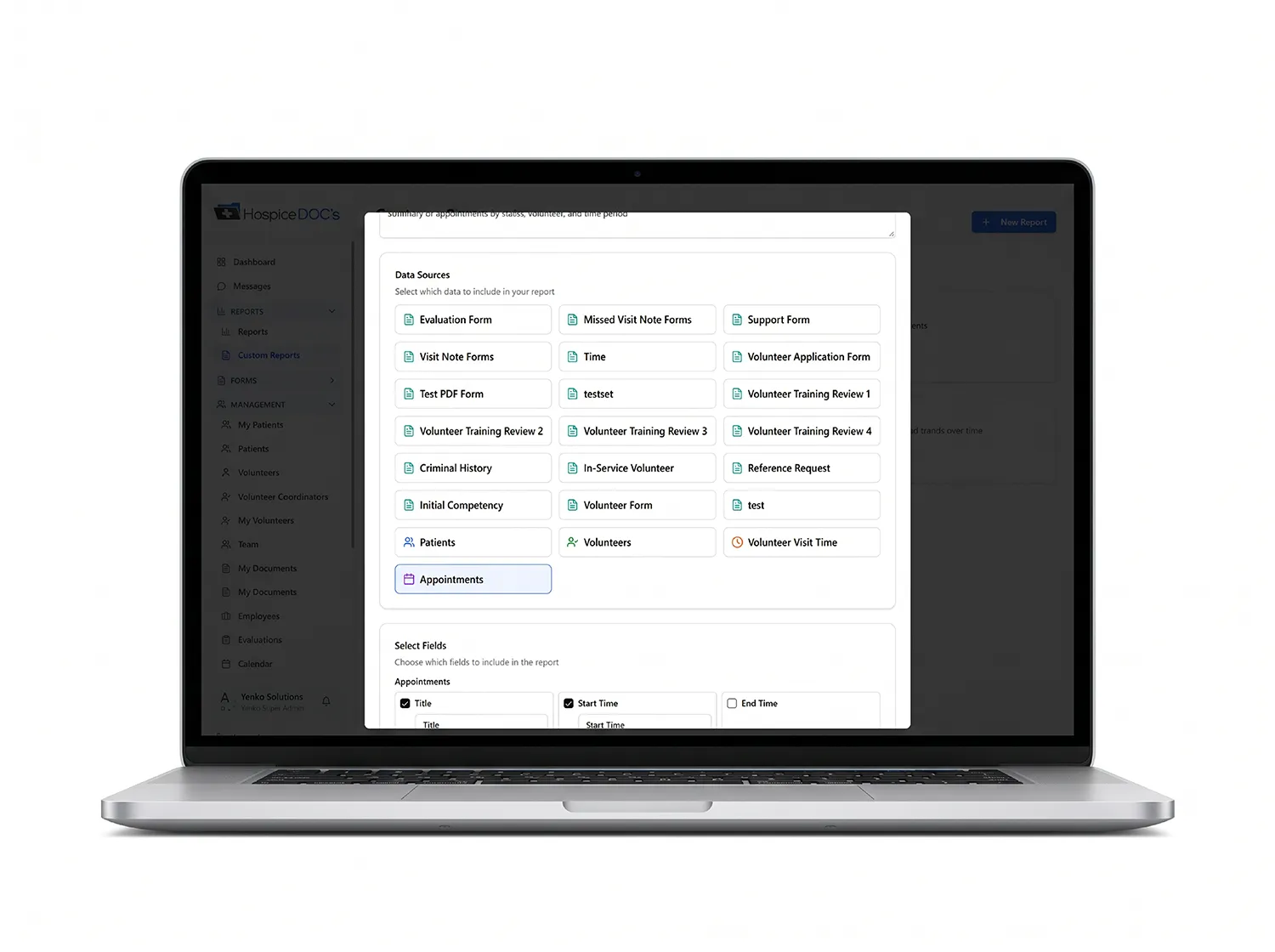
Appointment information can be included in Hospice Docs reporting, giving coordinators and administrators another way to review scheduled activity across the volunteer program.

This can also support broader program oversight by location or reporting period

See How Hospice Docs Simplifies
Volunteer Scheduling

Schedule a Free Demo!

The easiest way to understand Hospice Docs is to see it in action.

What to Expect?

  • A clear, step-by-step walkthrough of the platform
  • Real examples based on hospice workflows
  • Answers to your questions
  • No pressure or commitment

No technical experience needed.
We’ll guide you through everything.

Scheduling & Calendar FAQ

Have questions about managing hospice volunteer schedules and appointments? Find answers to common questions about appointments, volunteer self-scheduling, calendar views, schedule changes, reminders, and reporting

Have questions about managing hospice volunteer schedules and appointments?

Find answers to common questions about appointments, volunteer self-scheduling, calendar views, schedule changes, reminders, and reporting.

Yes. Coordinators can create and manage volunteer appointments directly within the platform.

Yes. Hospice Docs supports volunteer self-scheduling, giving volunteers the ability to manage available scheduled activity while coordinators maintain visibility into the schedule.

Yes. Hospice Docs supports rescheduling and cancellation workflows so schedule changes can be managed within the platform.

Hospice Docs provides day, week, and month calendar views, allowing coordinators to review the schedule at different levels of detail.

Yes. Scheduling can work together with Hospice Docs notifications and reminders to help volunteers stay informed about upcoming activity.

Yes. Appointment data can be included in reporting to provide additional visibility into scheduled volunteer activity.

Yes. Multi-location organizations can review appointment and scheduling information in the context of the locations they manage.

Trusted by Those
Who Care Most

Results & Proof!

Ready to Simplify
Hospice Volunteer Management?

See how Hospice Docs can help your team reduce administrative work, stay organized, and manage your volunteer program more efficiently.